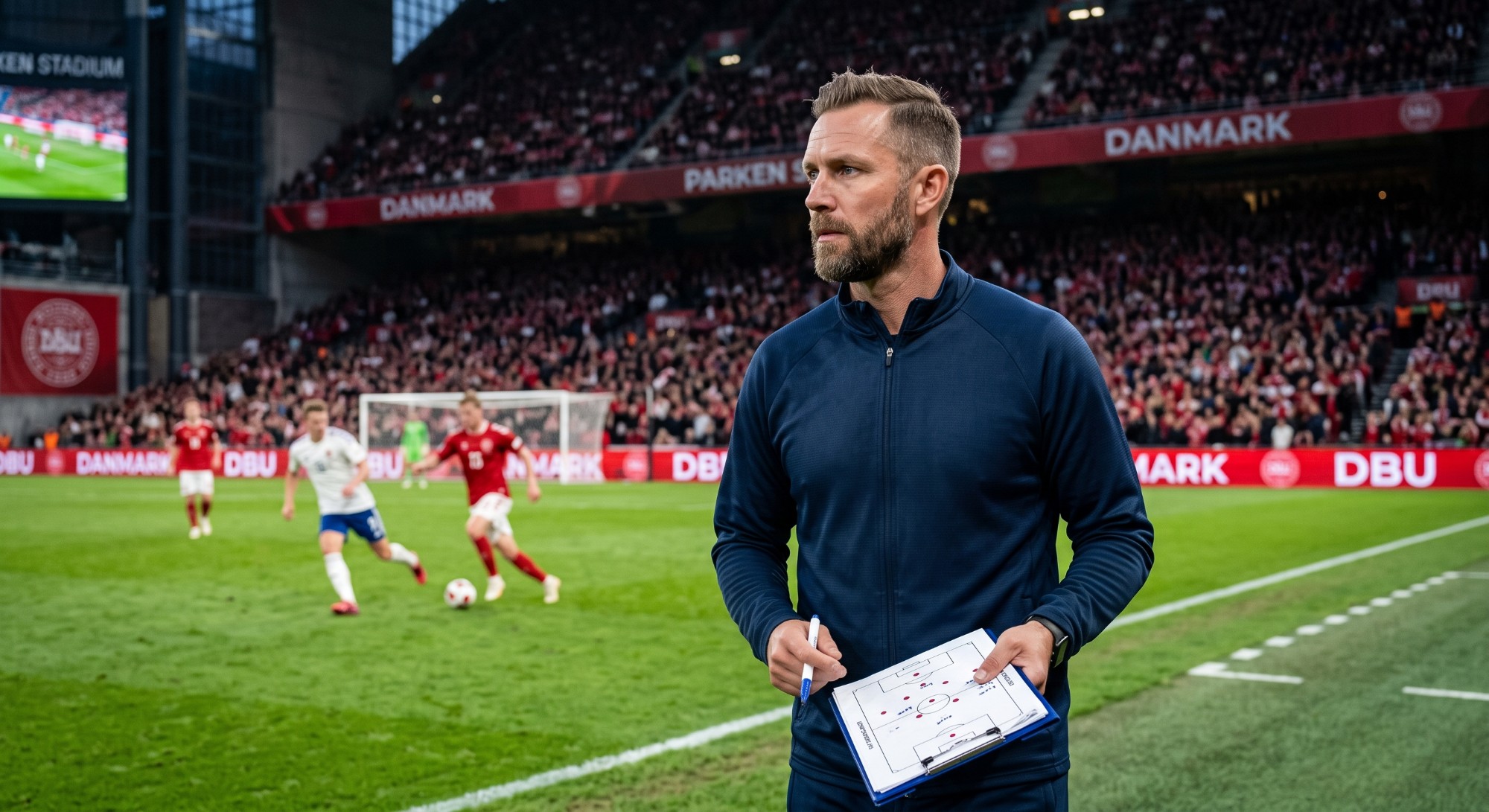
Press Start And Coach
Phone in your pocket or your hand. Nothing to set up before a session.
Sidetalk listens while you coach and writes individual feedback for every player, in your own words.
No card. Ready in two minutes.
Press start, talk the way you always talk, and every player leaves with feedback meant for them.
Phone in your pocket or your hand. Nothing to set up before a session.
Tap a player while you speak, or don't. Sidetalk works out who the note was for.
Every player gets their own feedback in under a minute — not one team note.
Connect your Veo camera once. Every note lands on the clip it came from — nothing to upload or line up.
Your tone, your club's terminology, spelled right — even mid-match.
Football, handball, basketball and seven more — in your language.
Stored in the EU. Audio deleted after processing. Consent per player.
Tag while you talk, scrub the timeline afterwards, and send each player their summary before you leave the pitch.
Every line you said, on the clock it was said at.
Numbers, names and the nicknames you actually shout.
Read it, edit a word if you want, send the squad.
One earbud, phone in your pocket. Sidetalk keeps listening through the whole session — no extra hardware.
3h 20m
a week back — the post-training write-ups coaches used to do at the kitchen table
Every player heard, every parent kept in the loop — coaching that keeps working after the final whistle.
500+
coaches recording sessions in the pilot
60s
from final whistle to a full squad of summaries
10
sports, in seven languages
Based on pilot clubs across Denmark, Sweden, Norway and Germany — youth and senior teams.
Three taps around the session: press start, tag while you talk, send the summaries. Everything in between is just coaching.
Phone in your pocket, one earbud in. Tap a player if you want; say the name and it lands anyway.
A team summary, one per player, and the few lines we could not place — sorted for you to check.
A season of their own feedback in one place — and who it reaches.
Show the QR at training or post the code in the group. Each player picks their own name — no links to chase.
From clubs across Denmark, Sweden and Germany — youth sides and senior squads, all using Sidetalk on real match days.
“I used to write feedback at eleven at night for four players and give up on the rest. Now all fifteen get theirs before I am home.”
“It uses our words — the drills, the nicknames. The squad reads it because it sounds like me, not like an app.”
“The parents stopped asking how their kid is doing. They can read it themselves an hour after the game.”
“Phone in my pocket, one earbud in, and I coach exactly as before. That was the part I did not believe.”
Free while we are in pilot. Ready in two minutes, no card needed.
Get Started Now